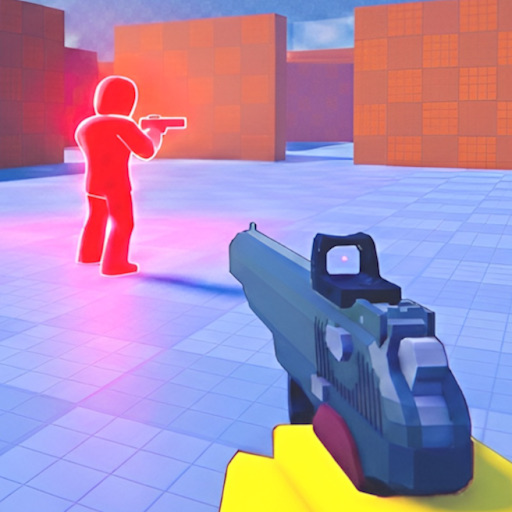
Grinding pistol unlocks and ranked improvement benefits from structured sessions — not mindless queue spam. The session tracker logs your match blocks, goals, and notes in browser storage so you see whether unlock strategies actually work over time.
What to Track
Log date, session length, approximate eliminations, deaths on spawn exit, and focus skill (slide, pre-aim, routes). Patterns emerge — e.g., deaths drop after studying spawn routes.
Suggested Session Template
Warm-up match (no pressure) → 3 performance matches → cooldown review. Note pistol unlock progress from unlock guide. Stop when tilted — one-hit meta punishes frustration queues.
- Goal: survive first 10 seconds every spawn
- Goal: one high-ground pick per match
- Goal: slide peek instead of wide swing twice per match
Unlock Grind Tracking
Record which pistols unlocked each week during beta. If roster expands on all pistols, update checklist manually. No codes shortcut — honest grind per codes page.
Privacy and Data
Data stays local in your browser. Clearing site data removes logs — export notes if you want backups. We never ask for Roblox login.
Pair With Guides
After sessions, read one guide section: slide, wins, or aim. Targeted study beats raw hour count.