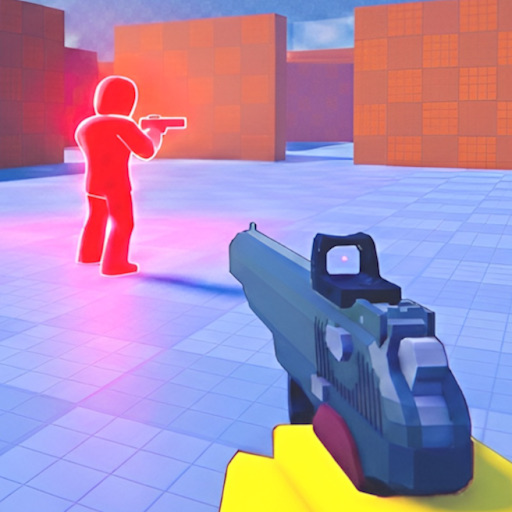
Slide movement separates average Pistol Arena players from consistent winners. Sliding reduces hit profile, speeds corner peeks, and creates audio bait. This guide covers fundamentals through advanced chains on PC, mobile, and controller.
Slide Fundamentals
Activate slide while moving — PC: Ctrl/C/F; mobile: slide button; controller: L3 or B/Circle. Slide from cover edge, not open field mid-duel without plan. Exit slide ready to fire with pre-aimed crosshair.
Slide Peek
Slide past doorway, shoot during exit animation if target visible, continue to hard cover. Opponent holding angle tracks standing model — slide breaks timing. Practice on cover pieces.
Slide Chains and Cancels
Chain slide → brief stop → slide to reset enemy tracking. Advanced players mix sprint segments between slides for spawn route speed without upright exposure.
Audio Bait
Slide noise alerts enemies — sometimes intentional. Slide near one angle, exit another to force wasted pre-aim. Sound works both ways: hear enemy slide → hold head-level on exit.
Platform Tips
PC: bind one consistent slide key. Mobile: place slide button for thumb without losing joystick. Controller: L3 slide while maintaining aim stick — see controller controls.