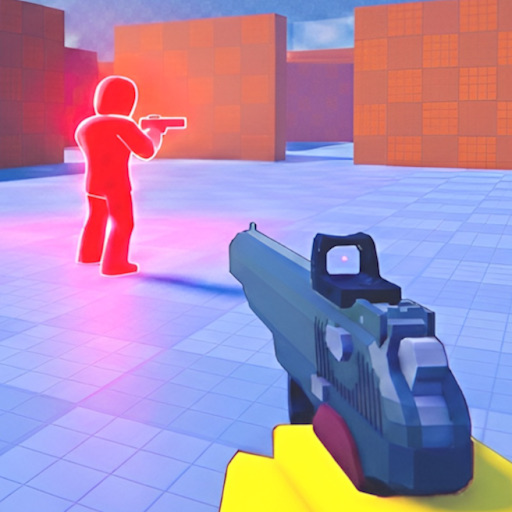
Consistent sensitivity makes pre-aim muscle memory possible in Pistol Arena one-hit duels. This helper lets you estimate equivalent settings when switching devices, adjust cm/360 targets for PC, and document mobile touch values — without touching Roblox files.
Why Sensitivity Matters Here
One-hit kills punish overshoot. High sens flicks look flashy but destroy angle holds on cover. Lower sens with space to aim stabilizes head-level pre-aim recommended in aim and combat.
PC Setup Baseline
Note your mouse DPI and Roblox sensitivity slider. Target a cm/360 you can control — many arena players prefer moderate speeds allowing 180° without desk lift. After changes, play one full match before re-tuning — avoid daily sens chasing.
- Disable mouse acceleration in OS settings for consistency
- Match monitor refresh stability — FPS drops feel like sens changes
- Keep one slide key while testing — do not rebind mid-session
Mobile Touch Baseline
Start lower look sensitivity on phones; raise until 180° turn feels possible without over-swipe. Tablets may use slightly higher values due to screen size. Pair with mobile guide hold-to-aim habits.
Cross-Platform Conversion
PC to mobile never transfers perfectly — Roblox handles input differently. Use this tool to record both profiles and practice each on PC and mobile controls pages rather than expecting identical feel.
Controller Note
Stick sensitivity uses Roblox console sliders — document your values alongside deadzone settings per controller controls. Stick aim rewards smooth tracking over high sens.