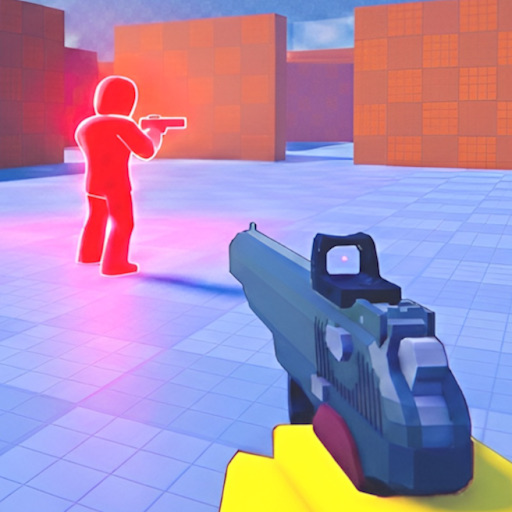
Controller players use trigger-based shooting and stick aiming in Pistol Arena, with slide mapped to face buttons or L3 depending on platform. This page documents PlayStation and Xbox equivalents, aim assist considerations, and how to build slide muscle memory on gamepad.
Default Controller Bindings
Bindings follow standard Roblox shooter layout across Xbox and PlayStation:
- R2 / RT: Shoot
- L2 / LT: Aim down sights
- Left stick click (L3): Slide — common default
- B / Circle: Slide — alternate binding on many layouts
- Left stick: Move; push forward for sprint in typical Roblox configs
Stick Aim and Assist
Stick aim rewards smooth tracking over wide flicks. Pre-aim corners by slowly approaching crosshair to head height before peeking. Roblox aim assist varies by platform update — do not rely on assist for long-range holds; use high ground and pre-aim discipline instead.
Slide on Gamepad
L3 slide keeps thumbs on sticks during movement — popular for flick-heavy players. B/Circle slide suits players who remap jump elsewhere. Practice slide-peek-slide on cover pieces until it is reflexive. Full tech in slide movement guide.
Sprint and Audio
Controller vibration can distract in one-hit duels — some players disable it for clarity. Use TV or headset audio for enemy slide and sprint cues. Rotations along spawn routes should mix walk and sprint to avoid predictable rush sounds.
Cross-Platform Tips
Console players excel in close chaotic fights when slide timing is crisp. Avoid long open sightlines against PC snipers unless you pre-aim with L2. Compare with PC controls and mobile controls on the overview page.