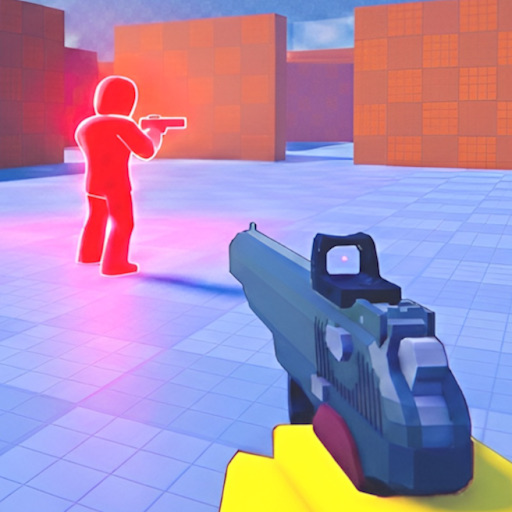
Mobile players compete in the same one-hit lobbies as PC and console. Success means optimizing touch layout, forcing close cover fights, and using audio like any other platform. This guide complements the mobile controls page with tactical mobile meta.
Layout Optimization
Place shoot, aim, slide, and sprint where thumbs reach without claw strain. Hold shoot to aim for mid-range; tap for close chaos. Test layouts in live matches — not just menu feel.
Close Range Meta
Mobile excels in hard cover brawls. Avoid long center sightlines against mouse players. Rotate spawn routes through cover-rich paths on angles page.
Slide on Touch
Slide button must be muscle memory before ranked grind. Slide peek from cover edges — upright mobile players die fast. Chain with slide movement guide concepts.
Sensitivity and FPS
Lower look sensitivity stabilizes touch aim. Close background apps for FPS stability — frame drops cause missed one-hit shots. Use sensitivity helper when switching from PC.
Mixed Lobby Strategy
Force fights where assist and touch excel. Play sound for third parties. Read win more matches for FFA timing.